123456Design78Screens9Release10111213Backup1415Review16171819Payment202122Gym232425262728293031
Calendar
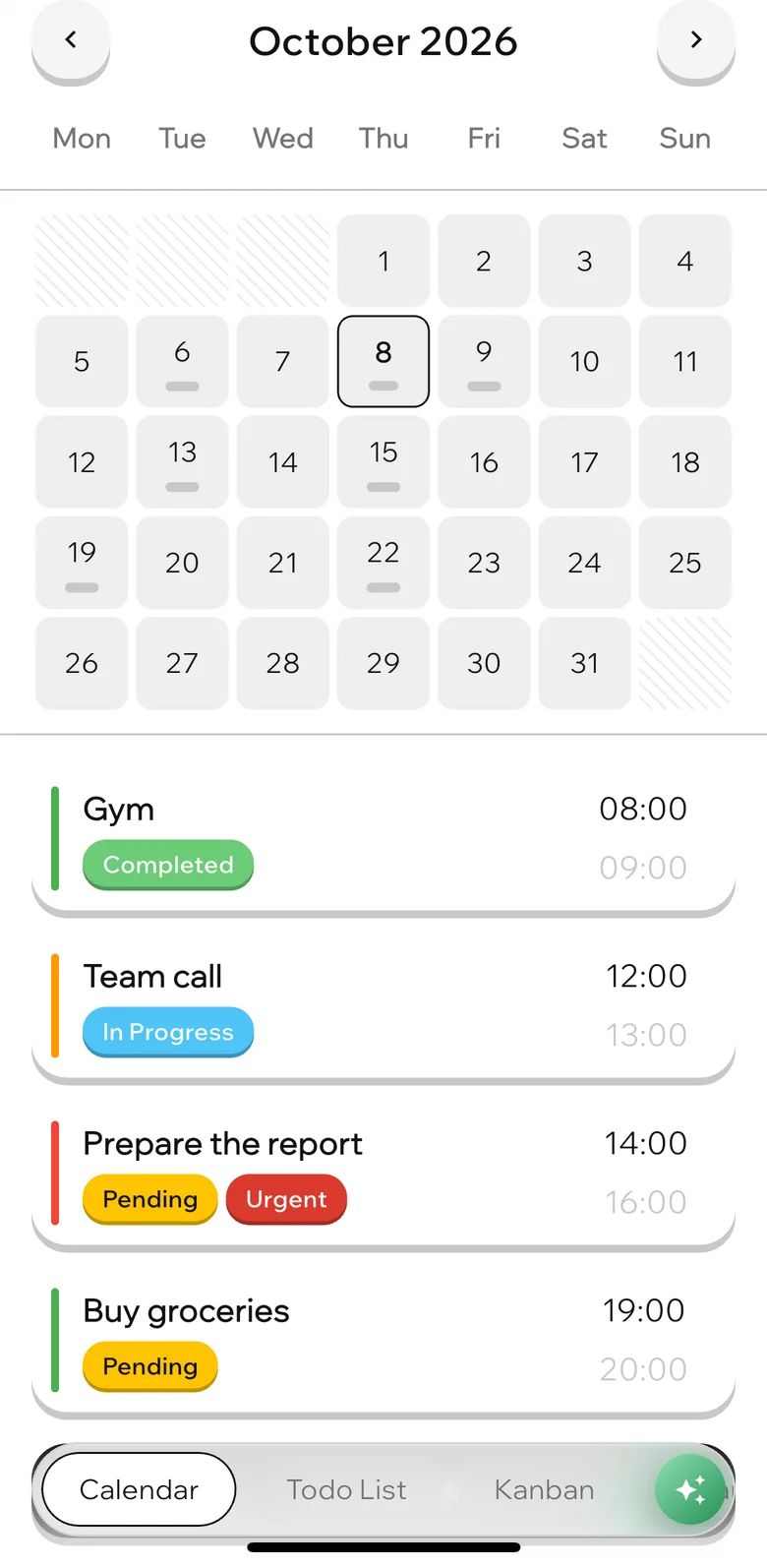
A month with task names right in the days. Tap a day to see its schedule below.
One set of tasks, four ways to look at it. Plus an AI that runs right on your device: say “plan tomorrow” and it lays the day out as tasks.
Free. No account. Your data stays on your device.
Four views
Turn on only the tabs you need. Drag a task on the kanban, and its status changes in the list and its color in the calendar.
A month with task names right in the days. Tap a day to see its schedule below.
Search, filters by status and priority, and new tasks straight from the search field.
Your own columns for every project, with cards you drag between them.
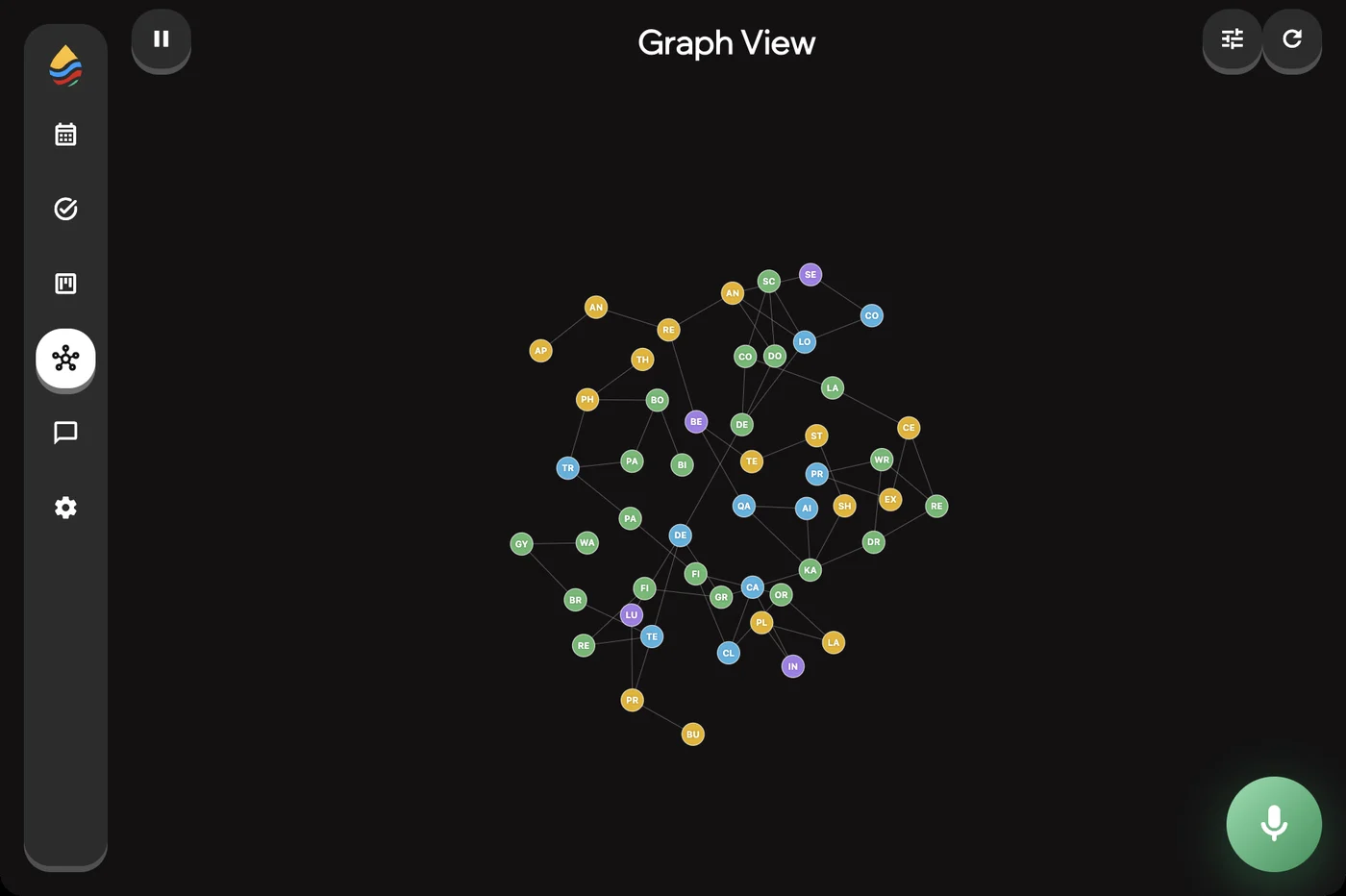
Linked tasks form a network: you see what depends on what and where a chain is stuck.
On-device AI
The model downloads once and then works offline. Your plans never go to any server.
Done, here are three tasks for tomorrow. Check them and create.
MCP for Claude, Cursor and others
On the Mac, the app runs a local MCP server. Connect it to Claude Code, Claude Desktop, Cursor or any MCP client, and the agent can triage your backlog, plan a sprint or close tasks as it works.
The server listens on 127.0.0.1 only and runs while the app is open.
claude mcp add --transport http equilibrium http://127.0.0.1:4433/mcplist_projectsprojectslist_taskstasks with filterscreate_tasksseveral tasks at onceupdate_taskstatus, time, remindercreate_statusa new columndelete_tasksdelete by idPrivacy
No sign-up. Projects, tasks and chats live in a local database.
The assistant and speech recognition work offline, nothing is sent anywhere.
Settings have a full data wipe: hold the button and the app is as good as new.

Create a project, add a couple of tasks by voice and look at them in four views.